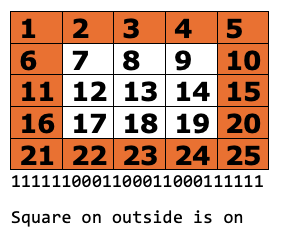
This is a 5 by 5 grid of small lights that are in the tail of the Finch. You can send letter number words and shapes.
| DISPLAY 1 TEXT | ||
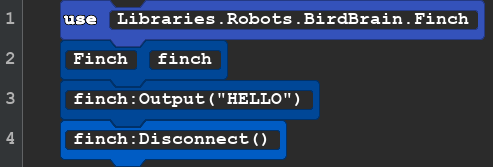 |
use Libraries.Robots.BirdBrain.Finch Finch finch finch:Output("HELLO") finch:Disconnect() |
Very short code that will send text to the microBit display in the tail of the Finch. the new action is Output. Any letters or numbers in the parameter() and enclosed in double quote marks " " will be displayed one character at a time on the display. Create your own clever messages for your robot to display. |
You also can choose exactly which of the 25 lights you would like to turn on or off. This is an an example of binary or one and zero code. One means the light is on zero means the light is off.
| Display2 | ||
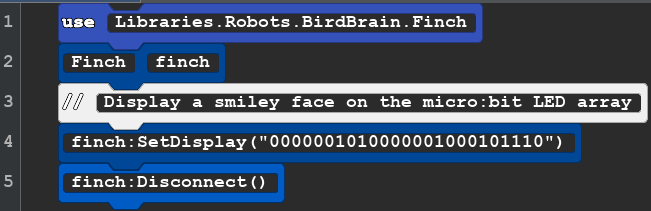 |
use Libraries.Robots.BirdBrain.Finch Finch finch //Display a smiley face on the micro:bit LED array finch:SetDisplay("0000001010000001000101110") finch:Disconnect() |
|
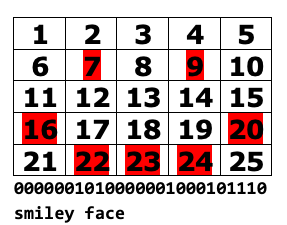 This grid shows what light you want to turn on 7 & 9 are the eyes so the 7th and 9th spots should be 1. How would make a frown?
There is a 26th light on the display. It is always on when the robot is on. It is to the top right of the display.
OK now it is your turn. Can you make a Square shape on the display. An answer is on the Challenge Hints and Answers page
Here is an image that may help you