
Calibrating the Micro-bit Compass.
Before you use the compass, you need to calibrate it in the BlueBird Connector. To do this, click on the purple compass button next to the name of your device. Follow along with the video to move your Finch around in different directions to calibrate it. You will see the red lights on the Micro-bit display light, when see all of them on you should see a green check.
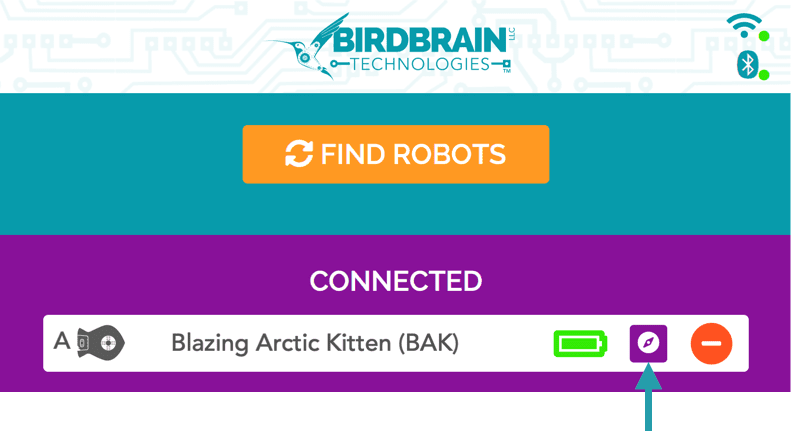
Once you have successfully calibrated, you can use the getCompass() method to read the value of the compass. This method requires no parameters and returns the value of the compass from 0° and 359°. 0° corresponds to the direction of magnetic north. The angle increases as the robot turns clockwise, so 90° is east, 180° is south, and 270° is west. To use the compass, the Finch must be level to the ground. Otherwise, the compass will not provide useful measurements.
CS-1 Compass Sensor Code and Lessons
The compass sensor detects the Earth magnetic field and can tell you which way the robot is facing. The numbers range from 0 to 360°. north is at zero. East is at 90° south is 180°. West is 270° and then back to north 360° interesting fact zero and 360 are the same direction.
Once you enter the code and run it you simply point the Finch robot in the direction you'd like and you'll find out what direction that is in degrees. You can keep turning the robot to different directions and you'll see a new degree appear. To end the program, you simply press the "A" button.
Simple Compass
| SC1 Block Code | copy and paste |
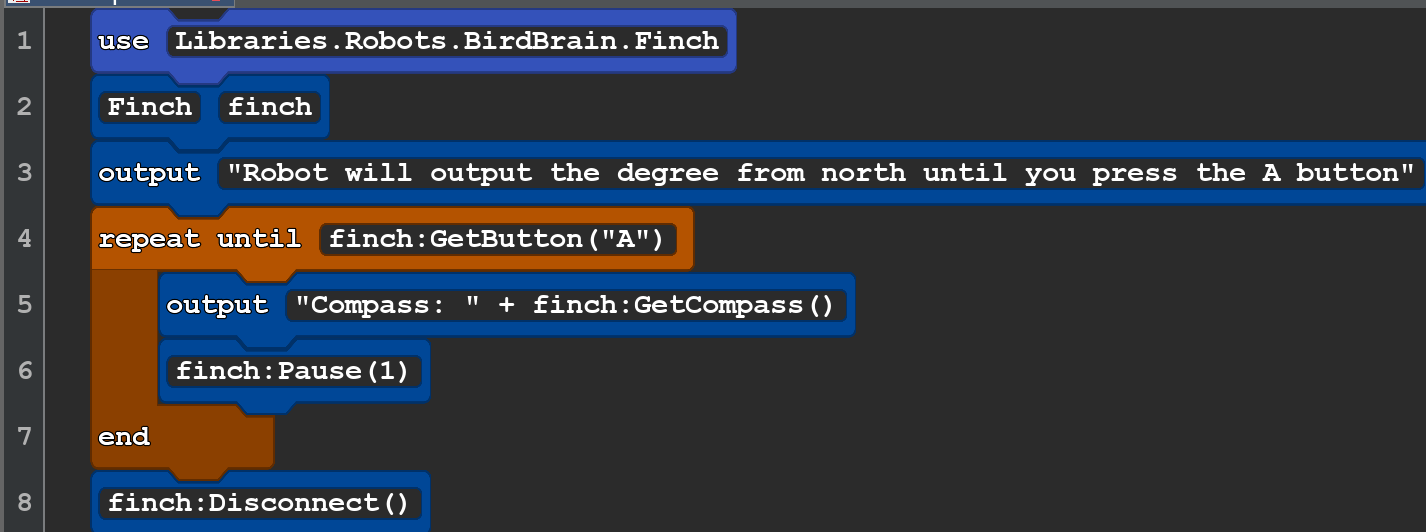 |
use Libraries.Robots.BirdBrain.Finch Finch finch output"Robot will output the degree from north until you press the A button" repeat until finch:GetButton("A") output "Compass: " + finch:GetCompass() finch:Pause(1) end finch:Disconnect() |
SC2 Compass with motor and lights
| BLOCK CODE | cut and paste |
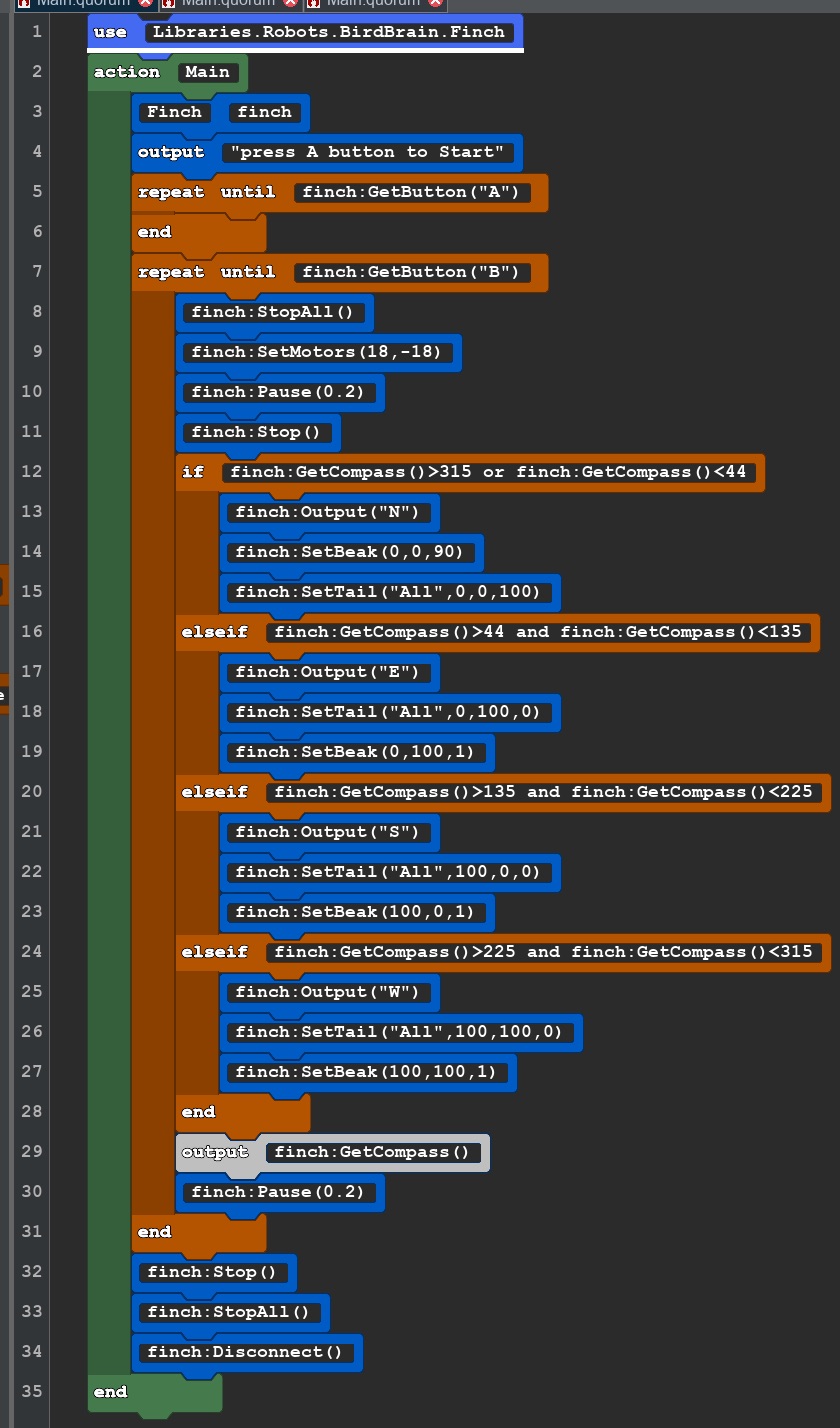 |
use Libraries.Robots.BirdBrain.Finch action Main Finch finch output "press A button to Start" repeat until finch:GetButton("A") end repeat until finch:GetButton("B") finch:StopAll() finch:SetMotors(18,-18) finch:Pause(0.2) finch:Stop() if finch:GetCompass()>315 or finch:GetCompass()<44 finch:Output("N") finch:SetBeak(0,0,90) finch:SetTail("All",0,0,100) elseif finch:GetCompass()>44 and finch:GetCompass()<135 finch:Output("E") finch:SetTail("All",0,100,0) finch:SetBeak(0,100,1) elseif finch:GetCompass()>135 and finch:GetCompass()<225 finch:Output("S") finch:SetTail("All",100,0,0) finch:SetBeak(100,0,1) elseif finch:GetCompass()>225 and finch:GetCompass()<315 finch:Output("W") finch:SetTail("All",100,100,0) finch:SetBeak(100,100,1) end output finch:GetCompass() finch:Pause(0.2) end finch:Stop() finch:StopAll() finch:Disconnect() end |