
LnS1-Testing Line Sensor
LnS1-Testing Line Sensor
| Block Code | Copy and Paste Code |
 |
use Libraries.Robots.BirdBrain.Finch Finch finch output "Left Line Sensor: " + finch:GetLine("left") output "Right Line Sensor: " + finch:GetLine("right") finch:Disconnect() |
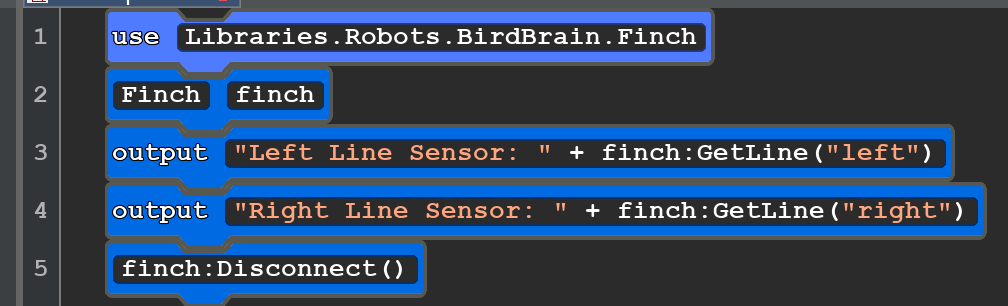
| This code is used to test the inferred sensors on the bottom of the Finch 2.0.First place the Finch on some white paper. run the code and you should right and left numbers nearing 100. Cover the Finch with a box and you run the code againYou shoud see the same numbers. This is becuse the robot is making it's own infraredlight that you can't see but the sensor ca e 4 infrared are looking just at the black and run the code.This should be a lower number. Using these two nuimber you should be able tomake your robot follow a shape made out of black tape on white paper. | |
| Block Code for LNS2 Follow a Black Tape Line Copy and Paste Code | |
 |
use Libraries.Robots.BirdBrain.Finch Finch finch integer rightIR = 0 integer leftIR = 0 number rightSpeed = 25 number leftSpeed = 25 repeat until finch:GetButton("A") output "Right Line Sensor: " + finch:GetLine("right")+" Left " + finch:GetLine("left") rightIR=finch:GetLine("right") leftIR = finch:GetLine("left") finch:SetMotors(rightSpeed,leftSpeed) if leftIR<20 leftSpeed=leftSpeed-25 end if rightIR<20 rightSpeed=rightSpeed-10 end finch:SetBeak(100,0,0) finch:Pause(1) finch:SetBeak(0,100,0) end finch:StopAll() finch:Disconnect() |
|
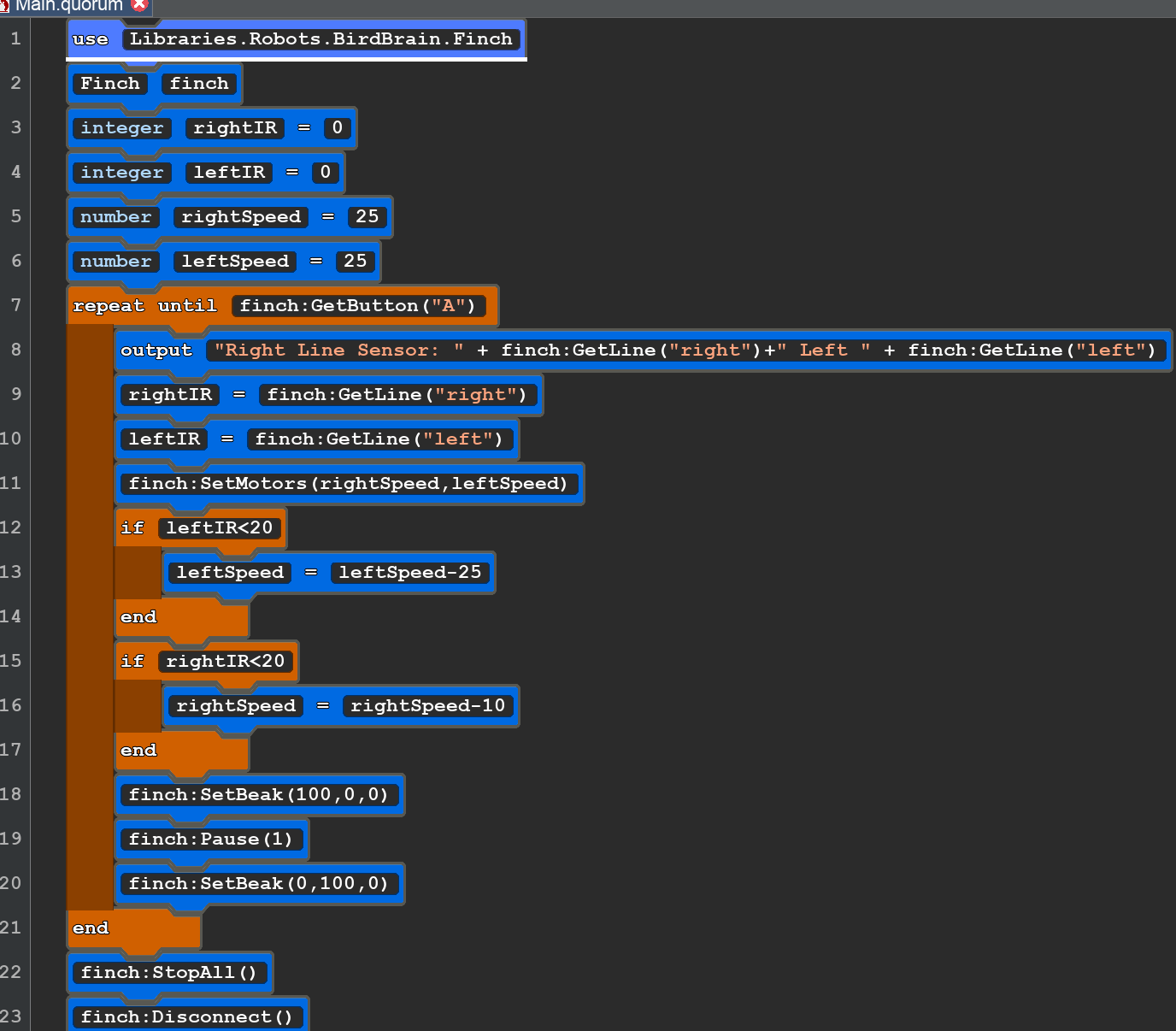
First make a raced track using Black and a large sheet of white paper. You make make a square, circle, ovel, or any other shape you want like a flower or a. letter. Use the 3/4 to 1 inch black. You want it to have good contrast. You will need to correct the If statements depoending and the data you gathered in the Testing Line sensor. There are lots of ways to make this work. When the Infrared sensor sees lots reflex back (WHITE) you need to turn the robot away from the light. When it see Back with both sensors it should just move forward. The is also a logial error in this progam. You mission is to find and correct this error. I will post the correct code here. |
|
LtS-LightSensor
LtS1 Light Sensor
There two light sensors. They are inside the body of the Finch. One looks Right, the other Left.
It will return values 0 too 100 from no light to bright.
| BLOCK CODE LtS1 | Copy and Paste Code |
 |
use Libraries.Robots.BirdBrain.Finch Finch finch integer leftlight = 0 integer rightlight = 0 leftlight=finch:GetLight("left") rightlight=finch:GetLight("right") repeat until finch:GetButton("A") output "Right: " + finch:GetLight("right") +" Left:" + finch:GetLight("left") if leftlight<20 and rightlight<20 finch:SetMotors(-20,20) finch:SetTail("All", 10, 10,0) end if leftlight<rightlight finch:SetMotors(-5,-5) finch:SetTail("All", 100,0,0) end if leftlight>rightlight finch:SetMotors(5,5) finch:SetTail("All", 0,0,100) end leftlight=finch:GetLight("left") rightlight=finch:GetLight("right") finch:SetBeak(5,5,5) finch:SetBeak(1,1,1) end finch:StopAll() finch:Disconnect() |
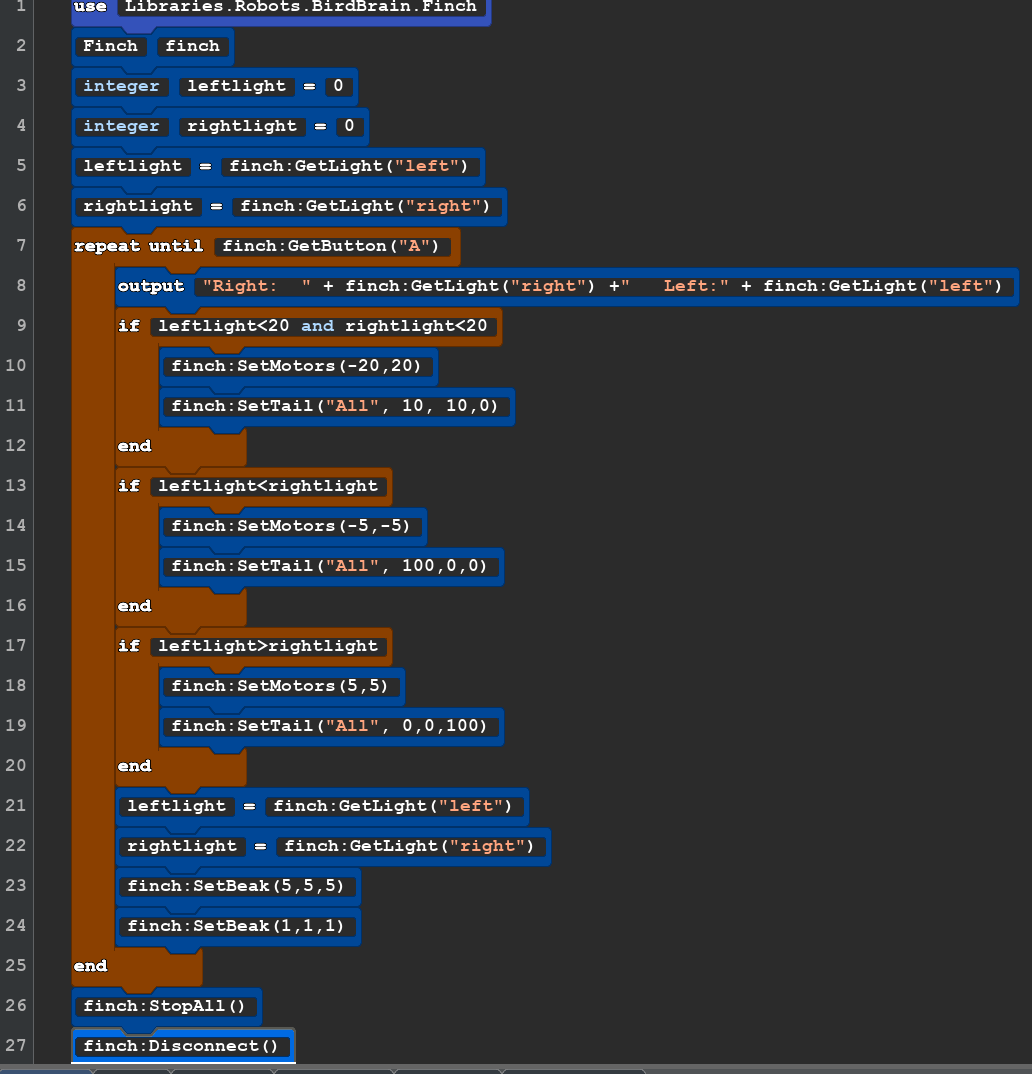
| You will need a medium area that can be darkened and one ormore light sousces. They could be strong flash lights or table lamps. Set the robot in the middle of the area and turn off the lights. Start the code and the robot should turn on some of it's lights and spin in place. using the light soucrce shine the on the left side of the robot to move backwards and the right side. | |
OS Orientation Sensor
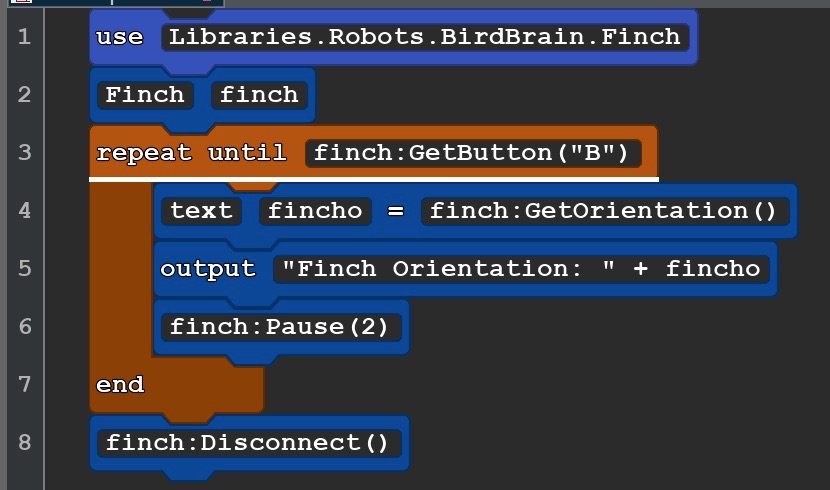
OS1 orientation sensor
| Block Code | Copy and Paste |
 |
use Libraries.Robots.BirdBrain.Finch Finch finch repeat until finch:GetButton("B") text fincho=finch:GetOrientation() output "Finch Orientation: " + fincho finch:Pause(2) end finch:Disconnect() |
OS2 Orientation Sensor with lights
| Block Code | Copy and Paste Code |
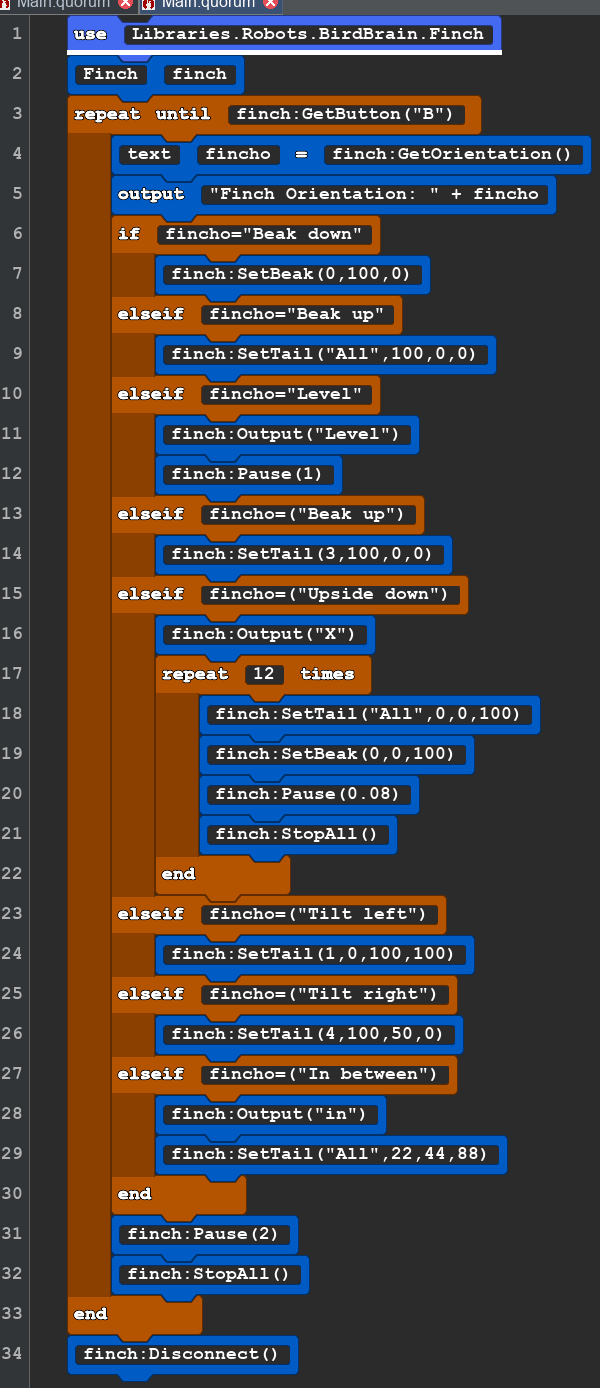 |
use Libraries.Robots.BirdBrain.Finch Finch finch repeat until finch:GetButton("B") text fincho=finch:GetOrientation() output "Finch Orientation: " + fincho if fincho="Beak down" finch:SetBeak(0,100,0) elseif fincho="Beak up" finch:SetTail("All",100,0,0) elseif fincho="Level" finch:Output("Level") finch:Pause(1) elseif fincho=("Beak up") finch:SetTail(3,100,0,0) elseif fincho=("Upside down") finch:Output("X") repeat 12 times finch:SetTail("All",0,0,100) finch:SetBeak(0,0,100) finch:Pause(0.08) finch:StopAll() end elseif fincho=("Tilt left") finch:SetTail(1,0,100,100) elseif fincho=("Tilt right") finch:SetTail(4,100,50,0) elseif fincho=("In between") finch:Output("in") finch:SetTail("All",22,44,88) end finch:Pause(2) finch:StopAll() end finch:Disconnect() |
TS Temperature C&F
TS3 Temperature Sensor with Centigrade and Fahrenheit
Finch and Microbit Videos