
Magnetic Sensor Code and Lessons
(magnetometer)
This is the same sensor that provides data for the Compass sensor. Here it gives data in 3 directions. Z is up and down, X is foward and back. Sensor gives back data of the strings of the magnetic field in each of those three directions in microTeslas.
Units of Measurement:
Tesla (T): The SI unit for magnetic flux density.
Gauss (G): A unit of magnetic field strength, where 1 G = 100 μT.
Microtesla (µT): A common unit for measuring the Earth's magnetic field, with the Earth's field ranging from 22,000 to 67,000 nT at the surface.
Nanotesla (nT): Also known as a gamma, 1 nT = 10^-9 T.
| MS1 Magnetic Sensory | ||
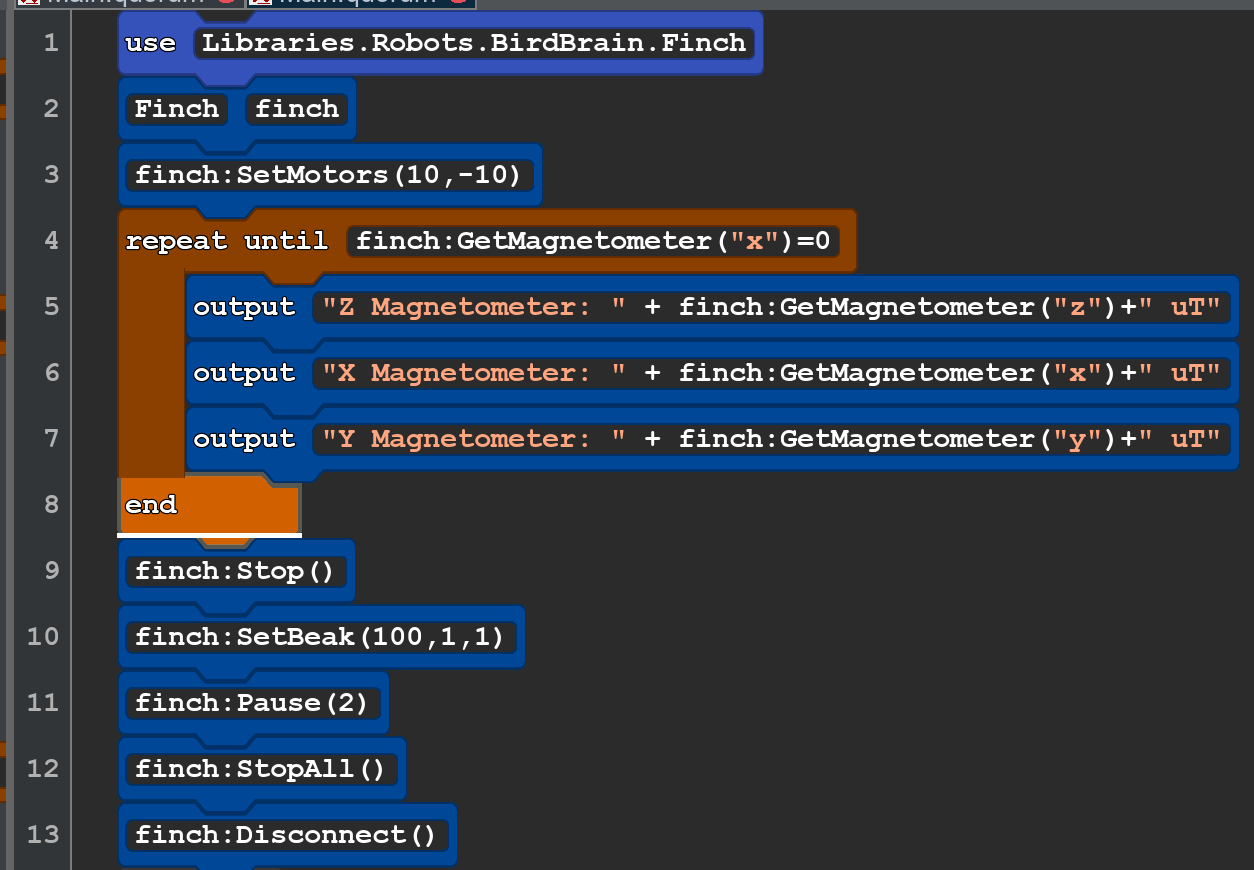 |
use Libraries.Robots.BirdBrain.Finch Finch finch finch:SetMotors(10,-10) repeat until finch:GetMagnetometer("x")=0 output "Z Magnetometer: " + finch:GetMagnetometer("z")+" uT" output "X Magnetometer: " + finch:GetMagnetometer("x")+" uT" output "Y Magnetometer: " + finch:GetMagnetometer("y")+" uT" end finch:Stop() finch:SetBeak(100,1,1) finch:Pause(2) finch:StopAll() finch:Disconnect() |
NOTES |
 |
use Libraries.Robots.BirdBrain.Finch Finch finch integer leftlight = 0 integer rightlight = 0 repeat until finch:GetButton("A") output "Right Light Sensor: " + finch:GetLight("right") output "Left Light Sensor: " + finch:GetLight("left") if leftlight=rightlight finch:SetMotors(10,10) elseif leftlight<rightlight finch:SetMotors(5,-5) finch:SetTail("All",0,0,100) elseif leftlight>rightlight finch:SetMotors(-5,5) finch:SetTail("All",0,100,0) end end finch:StopAll() finch:Disconnect() |
|
This action returns the magnetometer value in the given direction (X, Y, or Z) in microtesla as an integer.
Parameters
- text axis: The direction of which the magnetometer value will be returned.
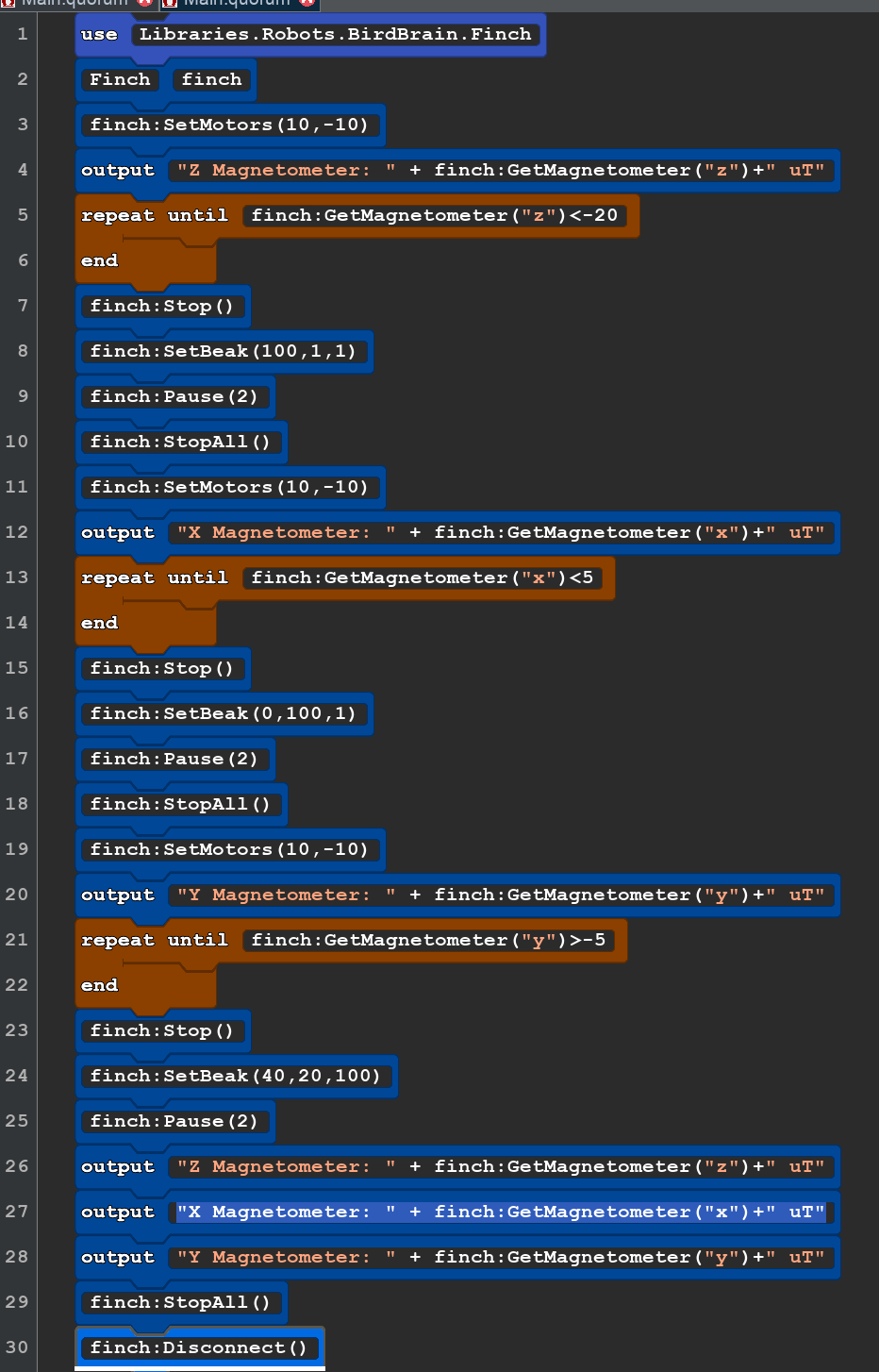
Plan. Write a program that will first find what the data looks like in x,y,z. Then see if using a strong magnet can alter the data.
The write a program that avoids the strong magent.